
Your photos. A little motion.
Turn photos and product images into AI-assisted videos.
Download on the App StoreIn-app purchases available.

Start with an image. Explore the motion.
Choose an image, shape an idea and review the generated clip.
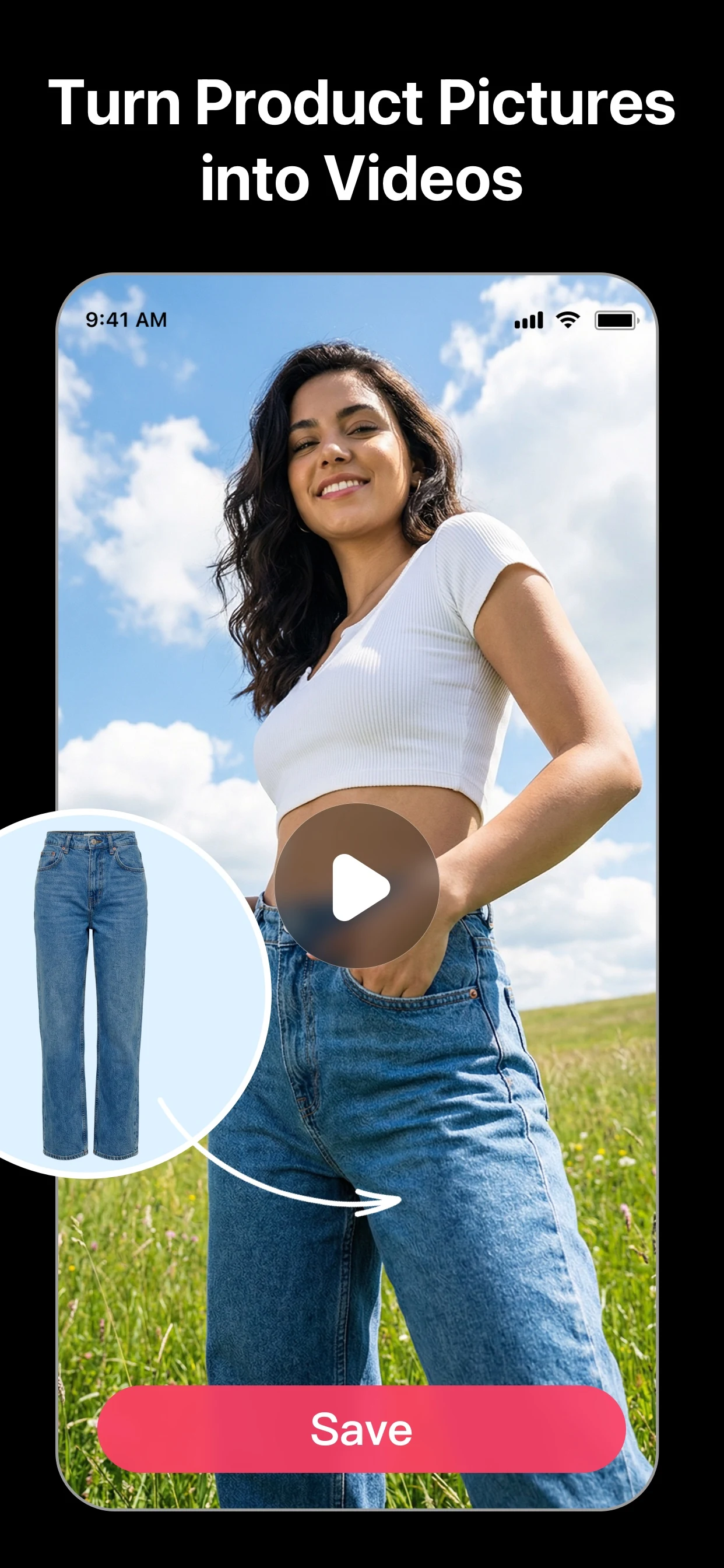
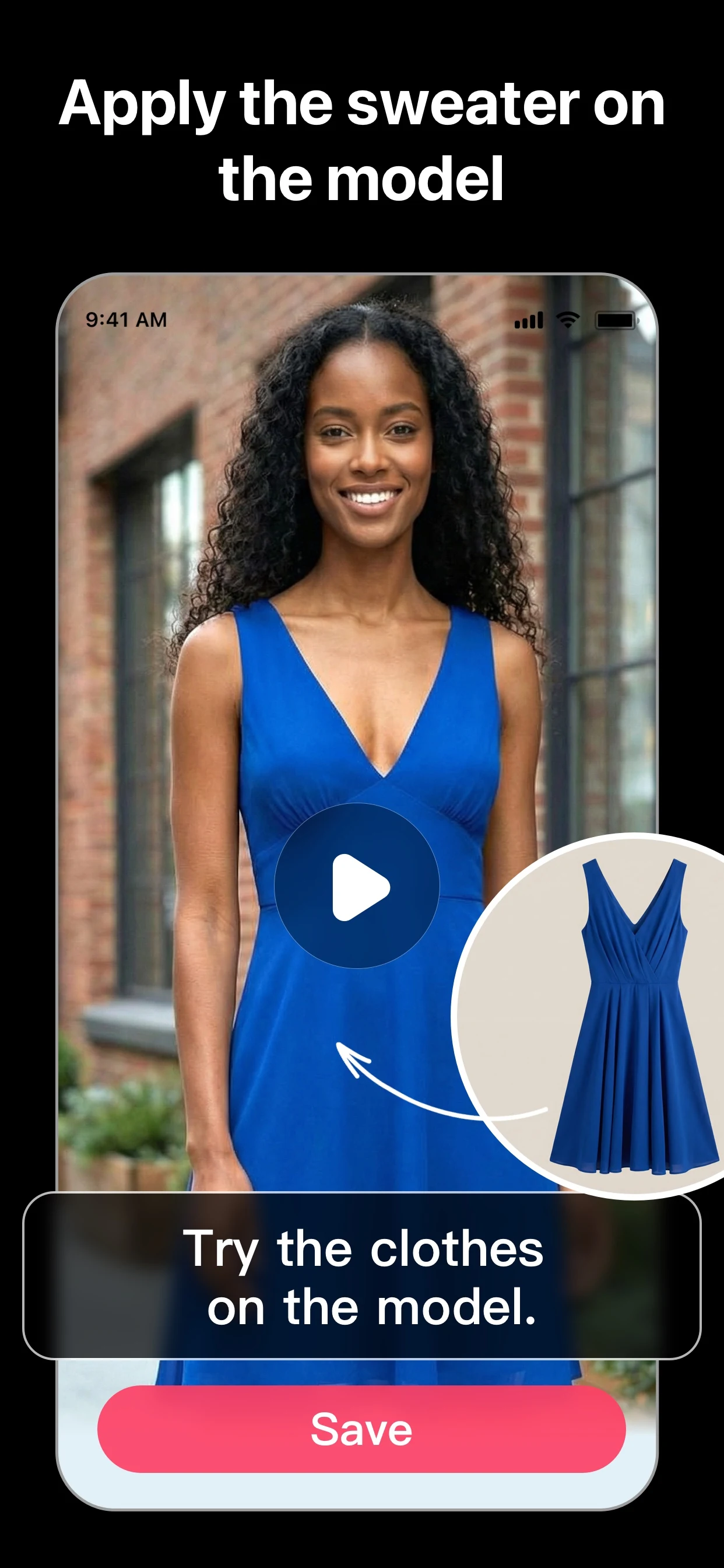
A new way to tell your visual story.
Choose an image
Start with a photo or product image you have permission to use.
Shape the idea
Explore the creation options available in the app.
Review the clip
Check the generated video before saving or sharing.
Current App Store artwork. Results vary.
One clear idea is a useful start.
Keep your subject clear and choose the motion or mood you want to explore.
Explore the creation guidesGive your next clip a starting point.
Before you create.
Need help? Visit Support.
What can I create with VividPic?
Explore AI-assisted video creation from photos and product images in the app.
Does VividPic include purchases?
Some features and usage require an in-app purchase. Availability, limits and prices depend on the current offer and region. Review the details in the app before purchasing.
Can I make videos on this website?
Create videos in the VividPic app. This website provides product information, guides and support.